Need to report a game issue, a login problem or a complaint about an agent? You can send your report directly through Suggestion in the Kiss918 game lobby.
Open the form, choose the type of problem, write a short explanation, enter your phone number and tap OK. Once the message is submitted, the screen displays “send success.”
Where to Find Suggestion
- Launch Kiss918 and enter the main game lobby.
- Find and open Suggestion in the lobby menu.
- The form will display Choose Type, a message box, a phone-number field and the green OK button.
The exact menu layout may look slightly different depending on the app version or device.
Choose the Right Category
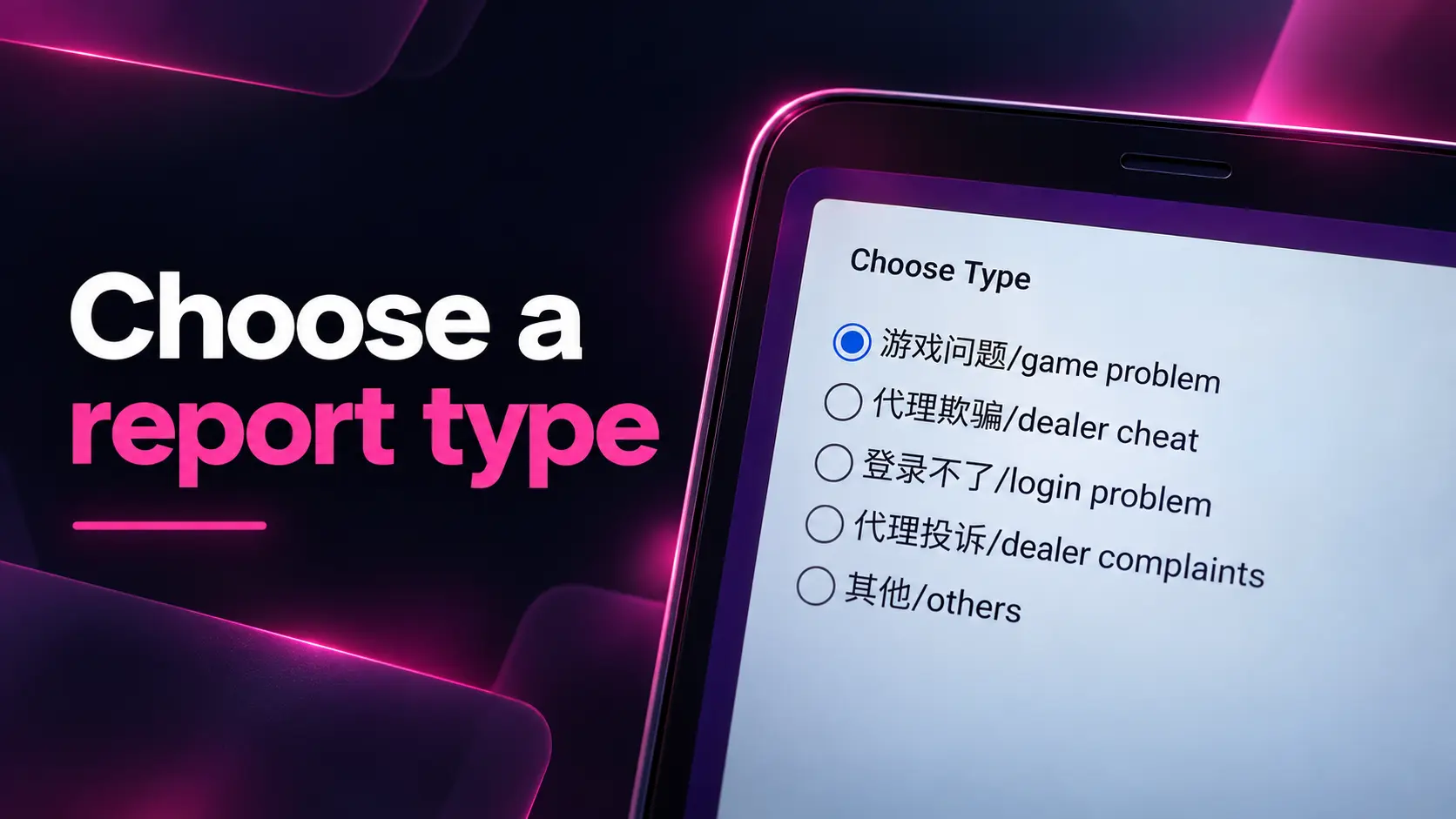
The Choose Type section contains five options:
| Category | Use it for |
|---|---|
| Game problem (游戏问题) | A game that freezes, fails to load, shows an error or does not work as expected. |
| Dealer cheat (代理欺骗) | Reporting suspected dishonest actions by a dealer or agent. |
| Login problem (登录不了) | Problems signing in or accessing your account. |
| Dealer complaints (代理投诉) | Complaints about an agent’s service, communication or handling of an issue. |
| Others (其他) | General feedback, suggestions and issues that do not match the other categories. |
Select the option that best matches your situation. For example, choose Login problem if you cannot access your account, or Game problem if a game is not loading correctly.
How to Submit Your Report
1. Describe the problem
Tap the large message box and explain what happened. Include the relevant game or account feature, when the issue occurred and what you need help with. A clear description makes the report easier to understand.
Example:
I couldn’t open [game name] at [date and time]. The loading screen stopped responding. I restarted the app, but the problem continued. Please check this issue.
For agent-related complaints, describe the situation clearly and include relevant dates or transaction references where appropriate.
2. Enter your phone number
Below the message box, fill in the field marked “phone number…” with your contact number. Check that the digits are correct before submitting.
3. Tap the green OK button
Press OK to send the form. A confirmation window will appear with the message “send success.” Tap OK in that window to close it.
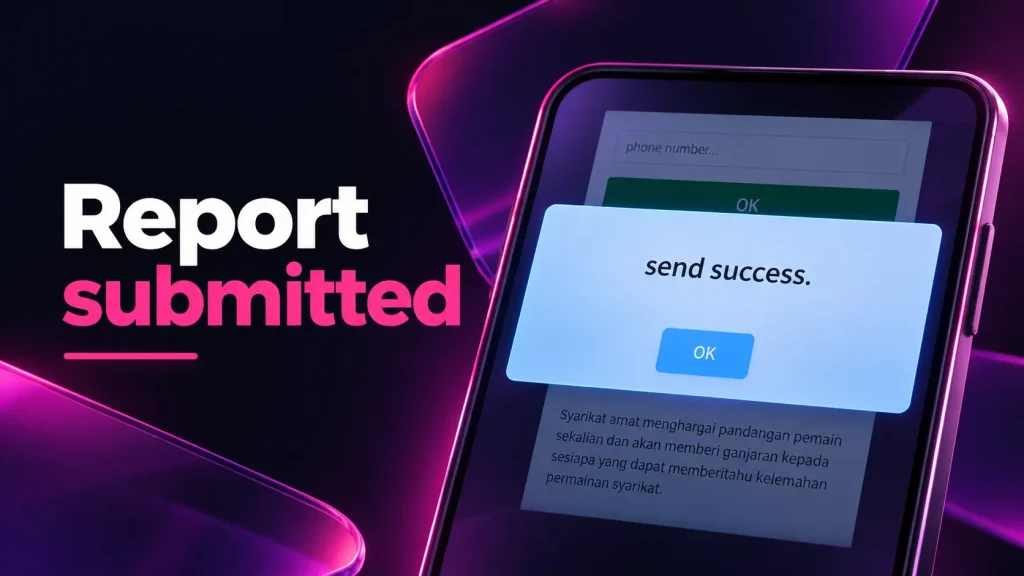
If the confirmation does not appear, check your internet connection, review the information in the form and try submitting again.
Suggestions and Feedback Rewards
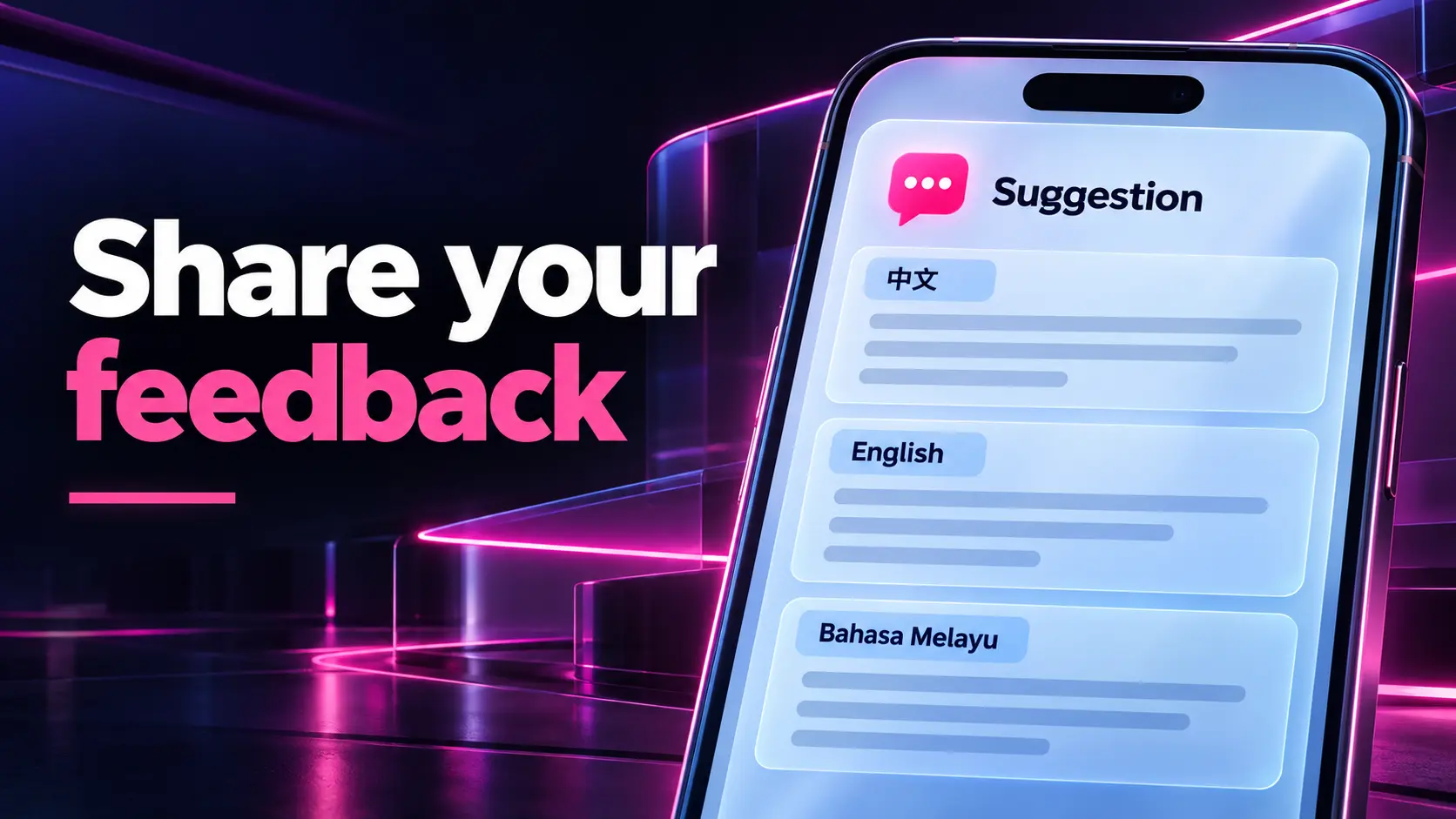
The Suggestion section also includes an information notice in Chinese, English and Malay. It welcomes feedback about the platform, including reports of game issues, weaknesses and loopholes. The notice also mentions possible rewards for valuable suggestions or reports.
Keep Your Account Information Safe
When using Suggestion, explain the issue without sharing sensitive account information. Do not enter your password, one-time password (OTP), e-wallet PIN, banking password or recovery codes in the message field.
For a game or payment-related issue, keep the relevant dates, transaction references and screenshots for your own records. Use the Suggestion form whenever you need to submit feedback or report a problem from the Kiss918 lobby.